How-to
How to summarise medical lectures with AI: a four-step pipeline that turns one hour of audio into a study guide, flashcards, and an audio overview
Updated 1 June 2026 · 11 min read
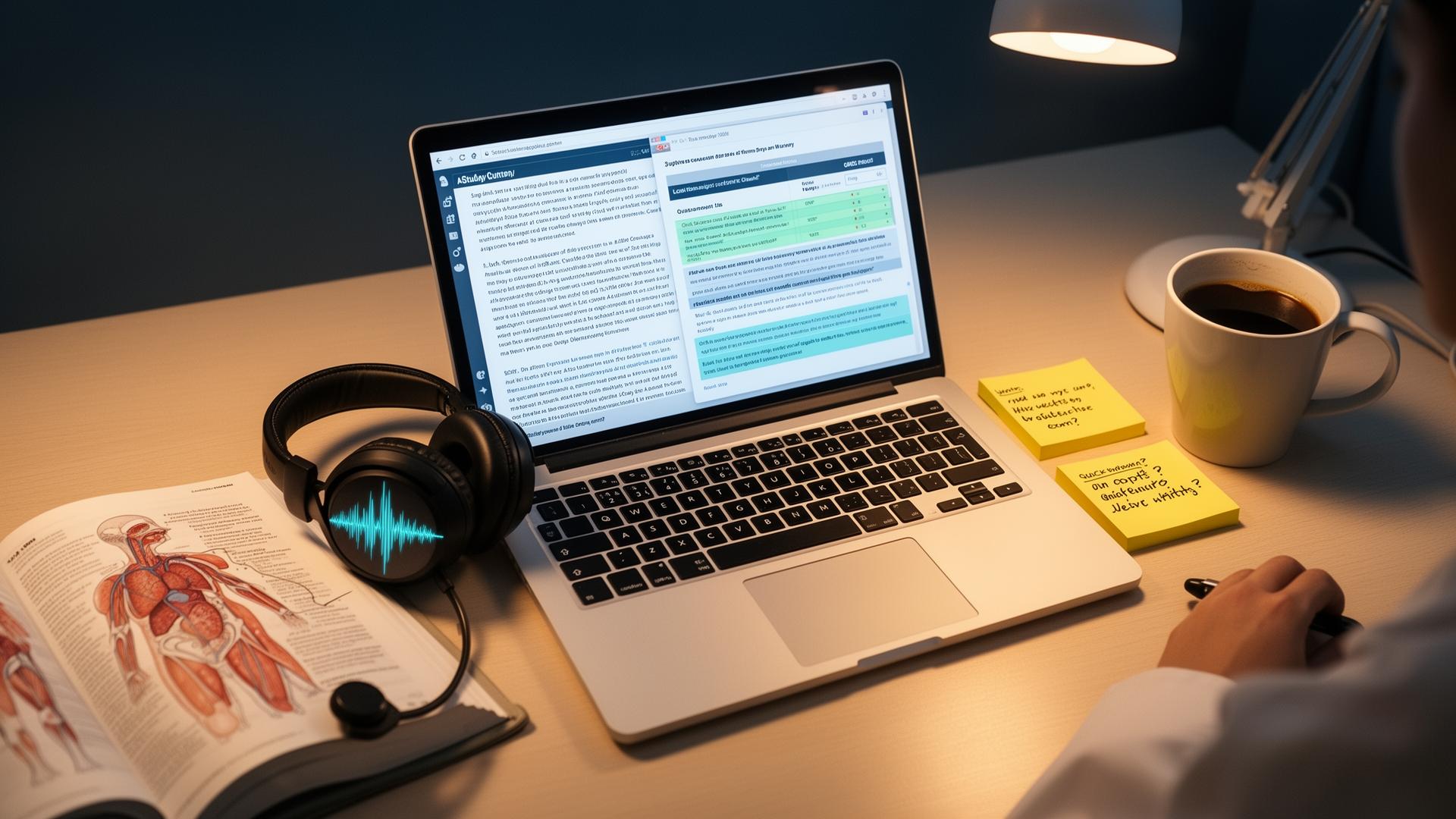
How to summarise medical lectures with AI: record the session (with permission), transcribe with Whisper, upload the transcript and slides to NotebookLM for a cited study guide and audio overview, then convert the guide into Anki flashcards with ChatGPT. Total active time is around 15 minutes for a one-hour lecture, and every claim stays traceable to the source. This guide is the exact pipeline, the pitfalls, and the policy boundaries.
Why a structured pipeline beats 'summarise this for me'
Throwing a lecture transcript into ChatGPT and asking for a summary is the workflow most students try first. It is also why most students stop using AI on lectures after a fortnight. The output reads well but contains invented drug doses, fabricated trial names and confidently stated guideline numbers that do not exist. For exam revision, that is worse than no summary.
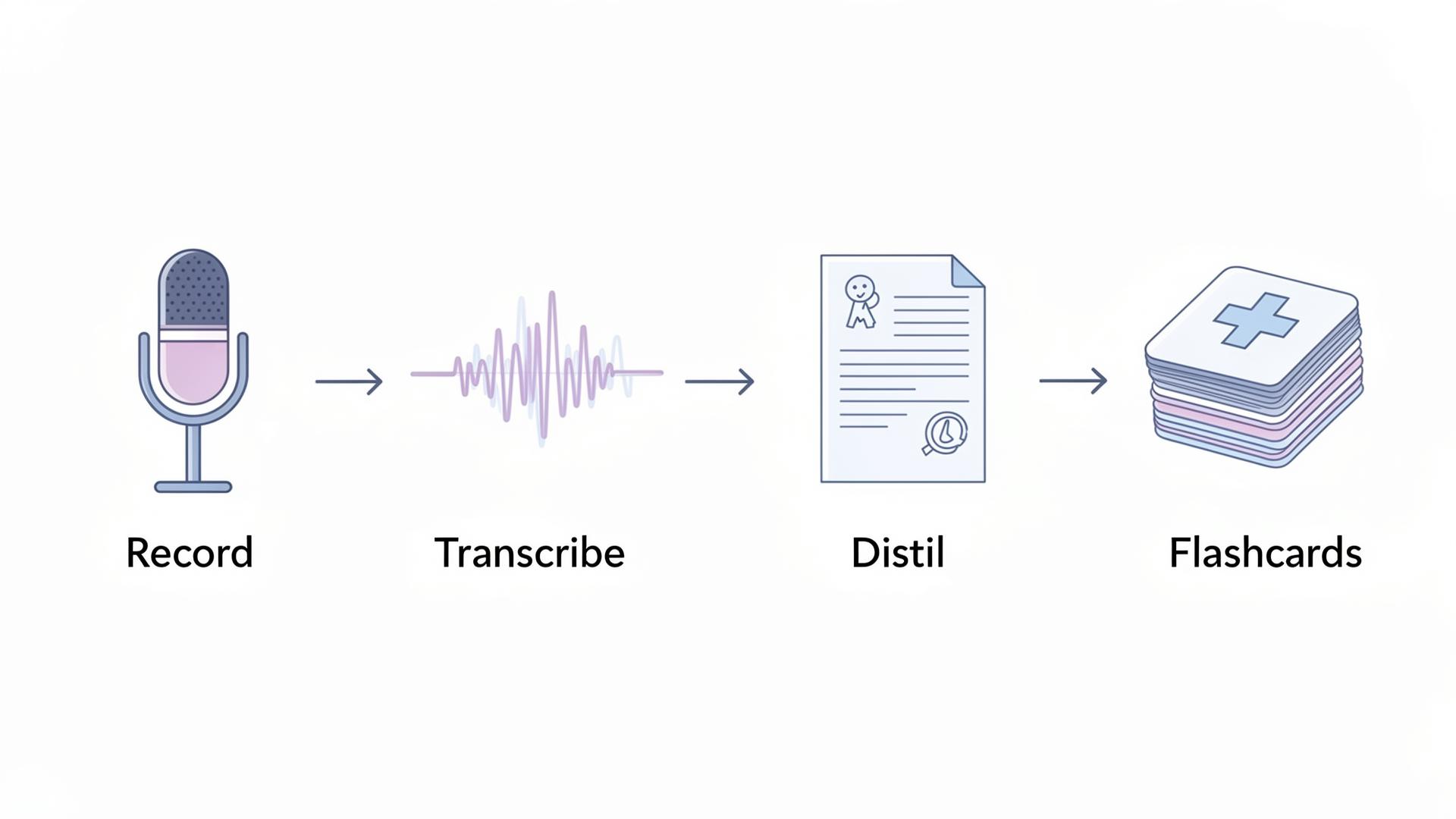
A structured pipeline fixes this by separating the jobs: a transcription model that does only speech-to-text, a retrieval-grounded model that summarises only from the transcript, and a generation model that drafts cards from the verified summary. Each step has one job, and the citations stay attached to the source. The 15 minutes of work returns assets you will actually revise from.
Step 1: record the lecture (and stay on the right side of policy)
Always check your institution's recording policy first. Many UK and US medical schools record lectures centrally and let you download from Panopto, Echo360, Zoom Cloud or the VLE; use that recording where you can because consent is already covered. If you are recording yourself, ask the lecturer and disclose that the audio will go through an AI tool. Audio-only is fine for this pipeline; video adds size without value.
For clinical teaching at the bedside or in theatre, do not record. Patient identifiable data is in the room, and most trusts in the UK and HIPAA-covered entities in the US treat that as a hard line. Take written notes for those sessions and apply the rest of the pipeline only to the formal didactic content.
| Source | Consent status | Recommended action |
|---|---|---|
| University-recorded lecture (Panopto, Echo360) | Already covered by enrolment | Download and use freely for personal study |
| Live didactic session you recorded yourself | Ask the lecturer first | Record audio only; do not share publicly |
| Bedside teaching with patients present | Not covered | Take written notes; never record |
| Theatre teaching during a procedure | Not covered | Written notes only |
| Conference talk | Check organiser policy | Often allowed for personal use; rarely for redistribution |
| Podcast or YouTube lecture | Public | Use freely; respect copyright when reproducing |
Step 2: transcribe with Whisper
Whisper is OpenAI's open-source speech recognition model, released in 2022 and updated through the large-v3 release. It handles medical terminology better than almost any other free transcription tool because its training data included a wide swathe of professional speech. Most modern phone voice memo apps now use a Whisper-class model under the hood, so on iPhone or Pixel the transcription is already built in.
On a laptop you can run Whisper locally for free via tools like MacWhisper, Whisper.cpp or the openai-whisper Python package. Cloud wrappers like Otter.ai and Notta layer extra features on top. A 60-minute lecture transcribes in roughly three to six minutes on an M-series Mac and produces a plain text file with rough timestamps. Do not bother cleaning the transcript; the next step does not care about formatting.
| Transcription tool | Cost | Best for | Watch-out |
|---|---|---|---|
| MacWhisper (Mac) | Free / one-off paid pro tier | Local, private, fast | Mac only |
| Whisper.cpp | Free, open source | Any platform via command line | Setup is technical |
| iPhone Voice Memos transcription | Free with iOS 18+ | Quick capture in lecture | 16-hour limit |
| Otter.ai | Free tier 300 mins/month | Live transcription with speaker labels | Cloud upload |
| Microsoft Word dictation / transcribe | Included with Microsoft 365 | Institutional workflows | Quality below Whisper large-v3 |
| YouTube auto-captions | Free | Public lectures you cannot download | Misses medical terms |
Step 3: distil the transcript in NotebookLM
NotebookLM is Google's source-grounded research assistant. It only answers from documents you upload, and every answer cites the exact paragraph or timestamp. Upload the Whisper transcript and, if you have them, the lecturer's slide PDF and any handouts. Pinning multiple sources to one notebook lets the model triangulate between what the lecturer said and what was on the slide.
Run the prompts in this order, in the same notebook. Each one builds on the last.
- 'Produce a study guide for this lecture organised by topic. Include the three highest-yield facts per topic and one common exam trap.'
- 'List the ten most likely exam questions from this lecture and answer each in one to two sentences, citing the timestamp.'
- 'Compare what the transcript says with the slides. Flag any contradictions.'
- 'Generate a 10-minute audio overview suitable for revision on a commute.'
- 'List every drug, dose and guideline mentioned, with the exact slide or timestamp.'
The audio overview is the underrated feature. NotebookLM's Audio Overviews produce a two-host conversational podcast from your sources, typically eight to twelve minutes long, that catches connections you would skim past in text. For deeper coverage of the tool itself, see notebooklm-for-medical-school.
Step 4: convert the study guide into Anki flashcards
Take the study guide and the exam questions from step three, paste them into ChatGPT and ask for atomic cloze deletion cards in Anki import format. The full prompt is in chatgpt-for-medical-students. Aim for 30 to 50 cards from a one-hour lecture; more than that is usually noise rather than signal. Import the deck into Anki, tag it with the module and date, and you are done.
If the lecture covered anatomy, surgery or pathology with images, generate the diagrams separately with a sketch-first illustration tool such as Angiosome and use Anki's image-occlusion add-on. Pure ChatGPT image generation is not reliable for anatomy because it hallucinates structural detail. See how-to-illustrate-medical-notes-with-ai for the diagram workflow.
A worked example: a 55-minute heart failure lecture
Cardiology, second-year clinical, 'Heart Failure: Classification and Management'. The lecture was on Panopto so consent was already covered. Total active AI time: 22 minutes. Total passive AI time (audio generation, transcription run): 18 minutes that overlapped with making dinner.
- Downloaded the Panopto MP4. Transcribed with MacWhisper large-v3 in 4 minutes 12 seconds.
- Uploaded transcript and slide PDF to a new NotebookLM notebook called 'Cardiology > Heart Failure'.
- Ran the five prompts. Got a 1.5-page study guide, 14 likely exam questions with answers, three flagged contradictions between speaker and slides, and an 11-minute audio overview titled by the model 'NICE 2024 update: what changed'.
- Pasted the study guide into ChatGPT with the cloze prompt. Got 38 cards. Spot-checked the five drug-dose cards against the BNF.
- Imported into Anki under 'cardiology::heart-failure::2026-lecture-04'. Listened to the audio overview at the gym that evening.
| Stage | Active time | Output | Verification |
|---|---|---|---|
| Record / download | 1 minute | 55-minute MP4 | Confirmed consent (centrally recorded) |
| Transcribe (Whisper) | 1 minute active, 4 minutes passive | Plain text transcript with timestamps | Skim first 200 lines for major errors |
| NotebookLM distillation | 10 minutes | Study guide, exam questions, audio overview | Spot-check three citations against slides |
| Card generation | 8 minutes | 38 cloze cards | Cross-check 5 drug doses against BNF |
| Import and tag | 2 minutes | Tagged Anki deck | Confirm tags match module structure |
Pitfalls and how to dodge them
- Transcript errors on drug names. Whisper occasionally mishears 'losartan' as 'lozartan'. Manually verify pharmacology cards against the BNF.
- Lecturer asides treated as content. NotebookLM does not distinguish jokes from facts. Skim the study guide once and delete the noise.
- Image-only slides. The model cannot read those. Either type a one-line description into the speaker notes before upload, or annotate them in your own notes.
- Patient cases mentioned in lecture. Even anonymised cases can be re-identifiable. Redact specific dates, units and locations before upload, or skip those sections.
- Volume cosplay. 200 cards from one lecture is not better revision; it is a deck you will abandon. Cap at 50 and prefer quality.
- Over-trusting audio overviews. The two-host format is engaging, which makes errors land harder. Treat as passive reinforcement, never as primary learning.
Safety, consent and academic integrity
Three rules cover almost every problem. Do not record without consent. Do not upload identifiable patient information to a cloud AI tool, including dates and locations that could re-identify a case. Disclose AI-generated study material in any formal submission if your school's policy requires it; many UK schools follow the GMC's 2024 generative AI guidance and most US schools follow AAMC and institutional honour codes.
Personal revision notes are normally outside the disclosure requirement; portfolios, reflective writing and assessed coursework are not. When in doubt, declare. Keep the original transcripts and the NotebookLM notebook URL as your evidence chain.
Sources
- OpenAI Whisper research paper (2022) — OpenAI
- NotebookLM official product page and Audio Overviews — Google
- Generative AI in medical education — GMC guidance — General Medical Council
- AAMC on AI in medical education — Association of American Medical Colleges
- Spaced repetition in medical education: a systematic review — Medical Education
- ICMJE recommendations on AI-assisted technologies — ICMJE
- Anki manual on image occlusion and cloze deletion — Anki
Frequently asked questions
What is the best AI for summarising medical lectures?
NotebookLM is the best summariser because every claim cites the source paragraph or timestamp, which removes most hallucination risk. ChatGPT is faster but invents specifics. The right answer is to use both: NotebookLM for the cited summary and audio overview, ChatGPT only afterwards to convert the verified summary into Anki flashcards.
How do I transcribe a medical lecture for AI processing?
Use Whisper, OpenAI's open-source speech model. On a Mac, MacWhisper runs locally and transcribes a 60-minute lecture in three to six minutes for free. On iPhone, the built-in Voice Memos transcription uses a Whisper-class model. Otter.ai is a cloud alternative with a 300-minute free tier. All handle medical terminology reasonably well.
Is it legal to record a medical lecture?
It depends on your institution. Most UK and US medical schools record didactic lectures centrally on Panopto or Echo360, with consent covered by enrolment. Recording yourself requires asking the lecturer. Bedside teaching, theatre teaching and any session with patients present should never be recorded. When in doubt, check your school's media policy.
How long does it take to summarise a one-hour lecture with AI?
Around 15 to 22 minutes of active work using the four-step pipeline. Transcription with Whisper runs in three to six minutes while you do something else. NotebookLM distillation takes ten minutes of prompting and review. Card generation in ChatGPT takes another five to eight minutes. Most of the wall-clock time overlaps with other tasks.
Can I get caught using AI to summarise lectures?
Personal study notes are not normally subject to academic integrity review. Formal submissions, portfolios and reflective coursework are. Most UK schools follow the GMC's 2024 generative AI guidance, and most US schools follow AAMC and institutional honour codes. Personal Anki cards built from your own lecture summaries are almost universally accepted; declare AI use in graded work.
Is ChatGPT alone enough to summarise medical lectures?
No. ChatGPT will produce a fluent summary but will invent drug doses, fabricate trial names and confidently state guideline numbers that do not exist. For lectures you will revise from before a clinical exam, a source-grounded tool like NotebookLM is essential. ChatGPT is best used downstream, after the summary has been verified, to draft flashcards.
What about lectures in a language other than English?
Whisper supports about 100 languages and is particularly strong in Spanish, French, German, Mandarin and Portuguese. NotebookLM accepts multi-language sources and produces responses in your chosen language. Audio overviews currently work best in English but support is expanding. Verify clinical specifics in your own language because terminology accuracy varies.
Best AI workflow for summarising lectures on a clinical rotation?
Use the four-step pipeline only for the formal didactic teaching from your rotation: morning meetings, journal clubs and recorded grand rounds. Take written notes for everything at the bedside or in theatre, because patient data prevents recording. Keep a single NotebookLM notebook per rotation so you can query across the whole placement at the end.
Try it
Sketch it. Angiosome renders it.
Angiosome turns rough medical sketches into clean, labelled, photoreal diagrams — grounded in your sketch, not invented by a model. Free to try.
Open Angiosome →