Pillar
AI medical illustration in 2026: what actually works, what hallucinates, and how to use it without learning the wrong anatomy
Updated 1 June 2026 · 11 min read
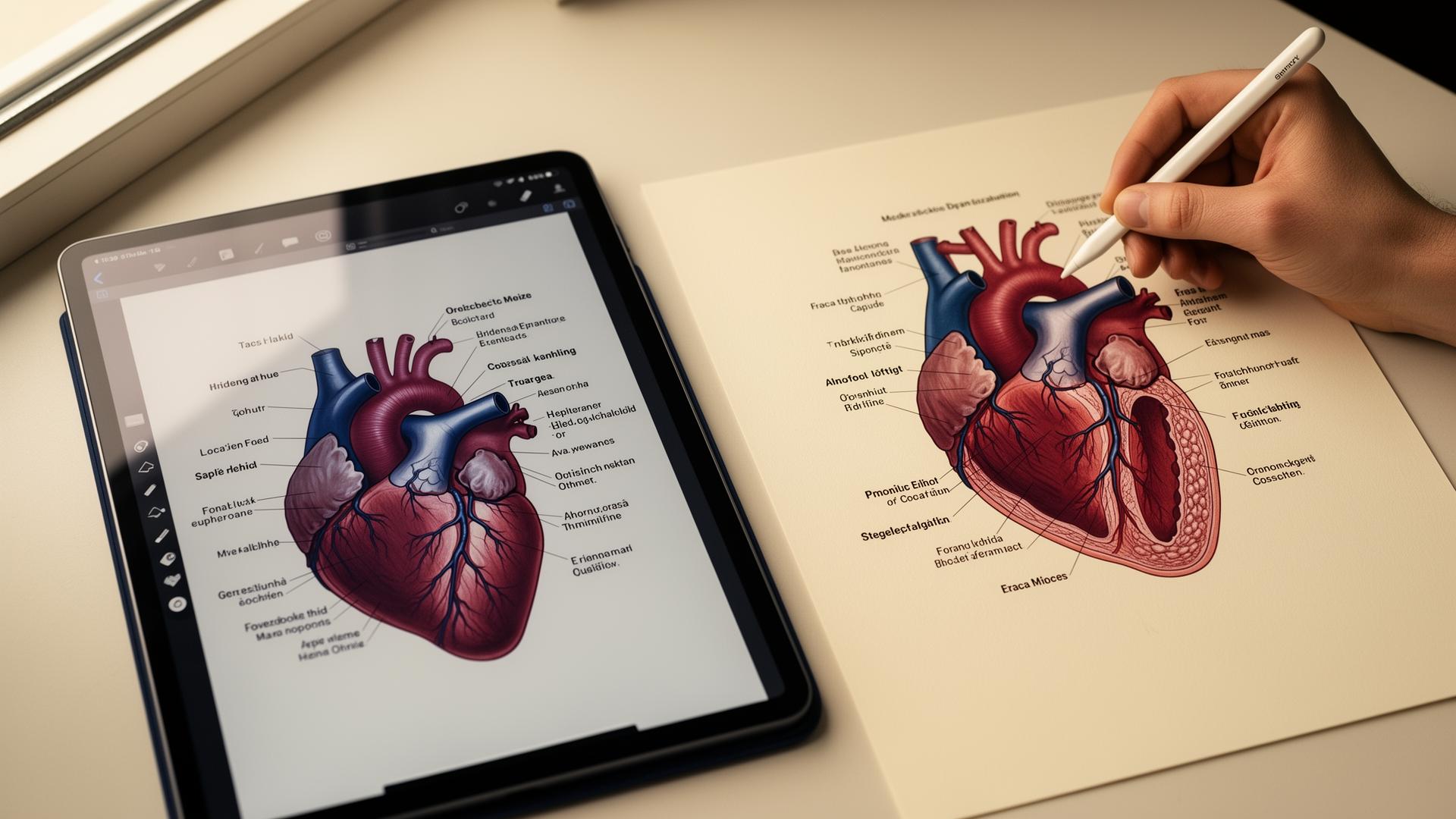
AI medical illustration in 2026 is genuinely useful for medical students, residents and consultants, but only in one specific configuration: sketch-first, where you draw the structure and the model renders and labels it. Ask any generic image model to draw the brachial plexus from text alone and you'll get something that looks clean and is anatomically wrong. This guide covers why, which tools handle medical anatomy safely, and the four workflows that actually save time in the library and on the wards.
Why generic AI image models fail at medical illustration
Generic image models — DALL-E 3, Midjourney v7, Stable Diffusion XL, Google Gemini — are trained on billions of images scraped from the open web. The web contains a lot of correct medical illustration. It also contains an enormous amount of incorrect medical illustration: old textbook scans, simplified diagrams stripped of qualifications, illustrations from veterinary anatomy mis-labelled as human, and increasingly, AI-generated images recycled as training data. The model averages all of this.
The output looks like medical illustration because it's statistically similar to medical illustration. It is not anatomically accurate because nothing in the training process rewards accuracy, only plausibility. A 2024 paper in npj Digital Medicine tested four leading text-to-image models on standard anatomy prompts and found anatomically faithful outputs in fewer than 15% of cases, with errors ranging from cosmetic to clinically misleading. This is the central problem of AI medical illustration in 2026, and most articles on the topic ignore it.
What 'AI medical illustration' should actually mean
The useful definition is not 'AI that generates medical illustrations from text'. It is 'AI that turns a structurally correct sketch into a clean, labelled, photoreal version of that sketch'. The structural correctness comes from you or your textbook. The rendering, labelling and polish come from the model. This shifts the failure mode entirely: the worst the model can do is render your correct anatomy badly. It cannot invent a vessel that doesn't exist, because you didn't sketch one.
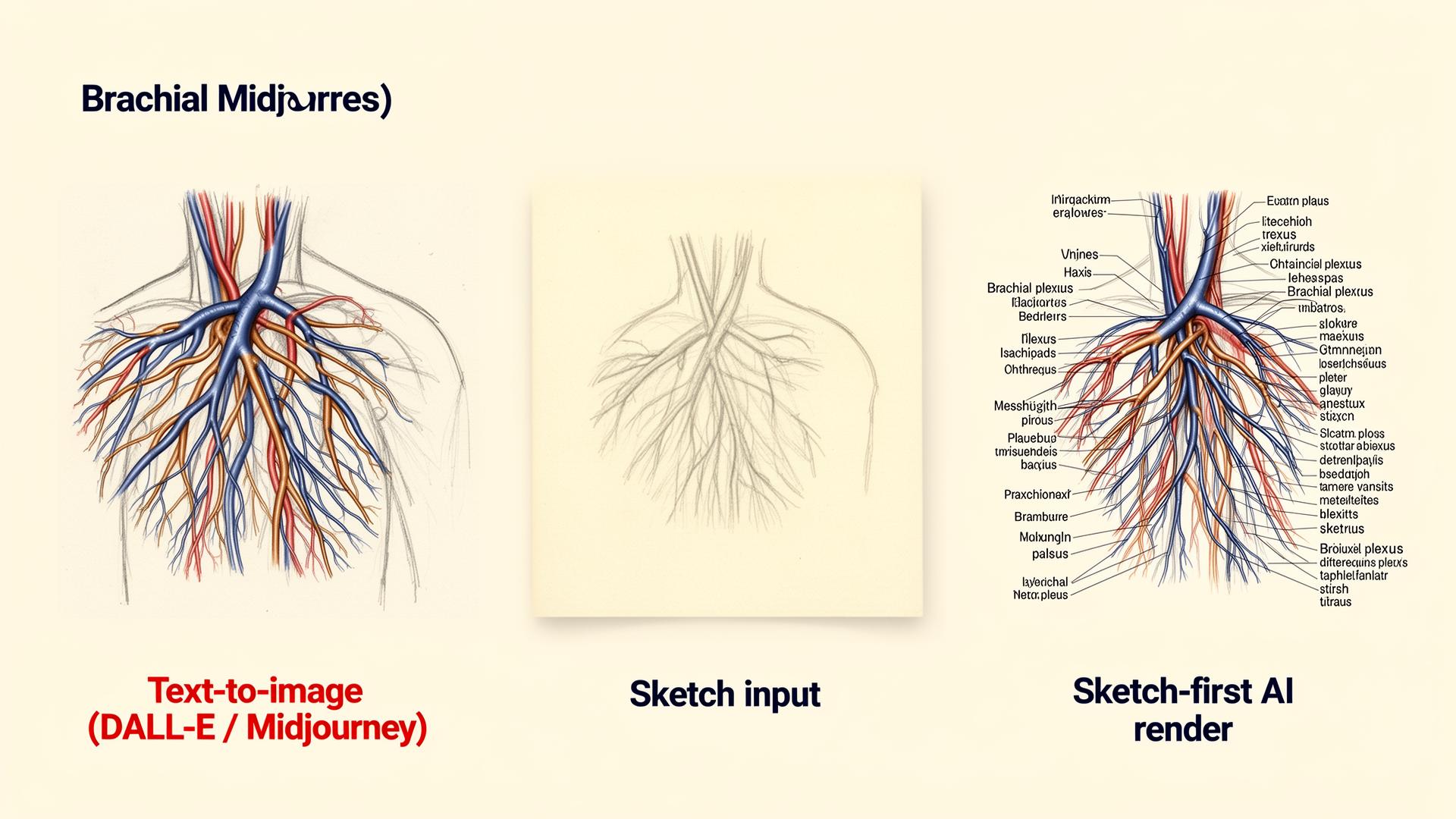
Angiosome was built around this constraint. You sketch the structure roughly — Apple Pencil on iPad, finger on phone, mouse on laptop — and the model returns a photoreal labelled version grounded in that sketch. A few other tools work similarly (ControlNet pipelines in research, NVIDIA's medical illustration demos). The shared idea: the anatomy is yours, the polish is the AI's. It is the only configuration of AI medical illustration that is currently safe for medical use.
The four jobs AI medical illustration is genuinely good at
Across two years of using these tools daily in clinical and pre-clinical settings, four use cases earn their place. Everything else is either premature, unsafe, or better done by hand.
- Turning lecture scribbles into clean study material. You sketch in the margin during anatomy teaching, run it through a sketch-first tool, and get a labelled diagram for your notes in under a minute.
- Explaining a procedure or pathology to a patient in clinic. A fresh diagram drawn in front of them is more memorable than a stock image and more accurate than what you'd find on Google Images.
- Producing original diagrams for case presentations and grand rounds. AI-generated illustrations from your own sketches are yours, don't require licensing, and depict exactly what you mean.
- Annotating real clinical images. Radiology, dermatology and histology revision is faster when you can label features on top of a real scan or photograph without redrawing the underlying image.

Tools compared: which AI medical illustration software is worth using
The market splits cleanly into three groups: dedicated sketch-first medical tools, traditional vector medical illustration apps with bolted-on AI features, and general image models being pushed into medical use cases they were not designed for.
| Tool | Type | Price | Anatomical safety | Best for |
|---|---|---|---|---|
| Angiosome | Sketch-first AI | Free / paid tiers | High (constrained to your sketch) | Study notes, patient explanations, slides |
| BioRender | Vector library + AI search | $35–$55/mo | High (curated assets) | Publication figures, posters |
| BioRender Coloring | AI colourisation | Included | High (works on real anatomy) | Annotating scans and histology |
| Mind the Graph | Template library + light AI | $10–$25/mo | Medium (templates fixed, AI captions variable) | Quick infographics |
| DALL-E 3 / GPT image | General text-to-image | Free / $16/mo | Low (hallucinates anatomy) | Stylised non-clinical imagery only |
| Midjourney v7 | General text-to-image | $10–$60/mo | Low (artistic, not anatomical) | Mood boards, not diagrams |
| Google Gemini | General image edit | Free / $19/mo | Low to medium for edits, low for generation | Light edits to existing images |
How to evaluate any AI medical illustration tool
Most 'AI medical illustration' product pages emphasise speed and visual polish. Neither matters if the output is wrong. Run any new tool through this five-question audit before you trust its output for study or clinical communication.
- Does it accept sketch or other ground-truth input, or only text? Sketch-first is structurally safer.
- Does it label structures, and if so, are labels reliable? Test it on a structure you already know cold (try the cardiac valves or the carpal bones).
- Does it preserve the structure you gave it, or 'improve' it? An 'improvement' from a model with no anatomical knowledge means invention.
- Who is the tool actually built for? Tools built for medicine handle errors more carefully than general tools that bolted on a 'medical' preset.
- What does it do with subtle requests — a deep nerve branch, an unusual anatomical variant, a paediatric heart? General tools fail loudest on the long tail.
Where AI medical illustration still fails (and what to do instead)
- Generating a labelled diagram from text alone with no sketch input. Anatomy will be wrong even when the model sounds confident. Sketch first.
- Rendering tissue-level histology faithfully. Use real histology images from Pathology Outlines or your library's microscope archive.
- Recreating a specific patient's scan. Use the scan; only annotate on top of it.
- Producing publication-quality figures without expert review. Use AI for the draft, send the draft to a medical illustrator or your supervisor before submission.
- Surgical planning or any application where a wrong line on the page could change a clinical decision. Use software built and regulated for that purpose.
A workflow for safe AI medical illustration in study and clinical use
The workflow below covers the most common pre-clinical and clinical needs and avoids every failure mode above. It takes roughly five minutes per diagram once you've used it a handful of times.
- Open the structure in your reference of choice (Gray's, Netter, Acland's, or an Anatomy.tv module). Sketch it roughly — pencil, iPad, or stylus on phone. Stick figures are fine.
- Photograph or upload the sketch into Angiosome (or your preferred sketch-first tool).
- Generate the rendered, labelled version. Compare it to your reference on every labelled structure before saving.
- Drop the verified image into your notes app, Anki card, or slide deck. Add a one-line caption with your source so future-you can re-verify.
- Never edit a label after generation without re-checking the underlying anatomy. Caption changes shouldn't change facts.
| Workflow stage | Time per diagram | Risk | Output use |
|---|---|---|---|
| Rough sketch from reference | 1–2 min | Low (you control structure) | Foundation for everything below |
| Sketch-first AI render | 30–60 sec | Low if you verify labels | Notes, Anki, patient explanations |
| Verify against textbook | 1–2 min | Catches all label drift | Required before clinical use |
| Drop into Anki / slides | 30 sec | None once verified | Long-term retention, presentations |
| Submit to journal figure | Add expert review | Medium without illustrator review | Publication after disclosure |
Publication and academic policy: what to declare
Most major journals updated their AI policies between 2023 and 2025. The ICMJE 2023 update requires authors to disclose all use of generative AI in figures and to take full responsibility for the accuracy of any AI-generated image. Nature, JAMA and the BMJ have stricter additional rules — Nature, for example, does not currently accept fully AI-generated figures in submitted manuscripts, though it allows AI-assisted refinement of human-drawn artwork. Always check the target journal's policy before submission, and assume disclosure is required.
For teaching and student work, the rules are looser but real. The GMC's 2024 guidance and the AAMC's 2024 position statement both allow AI-generated illustrations in personal study and case presentations, provided the underlying claims are accurate and the work is your own. For coursework assessed for marks, declare AI use the same way you would declare any other source.
Sources
- ICMJE Recommendations on the use of generative AI in scholarly publishing — ICMJE, 2023
- Nature — Editorial policy on the use of generative AI in figures and text — Nature
- JAMA Network — Instructions for authors on AI use — JAMA Network
- BMJ — Author guidance on generative AI — BMJ
- GMC — Good medical practice (2024 update) — General Medical Council
- AAMC statement on generative AI in medical education — Association of American Medical Colleges
- BioRender — Official product page — BioRender
- Radiopaedia — Free medical imaging reference — Radiopaedia
Frequently asked questions
Can ChatGPT or DALL-E generate accurate medical illustrations?
ChatGPT and DALL-E can generate plausible-looking medical illustrations, but accuracy is unreliable. They invent nerve branches, mirror sides, mis-label vessels and produce paediatric anatomy on adult bodies. A 2024 npj Digital Medicine paper found anatomically faithful output in fewer than 15% of standard prompts. Use general image models for stylised non-clinical imagery only, and a sketch-first tool for anything you'll study from.
What is the best AI tool for medical illustration in 2026?
For sketch-to-photoreal workflows, Angiosome is purpose-built and the safest configuration because the structure comes from you. For publication-grade vector figures, BioRender remains the leader at around $35 to $55 a month. For colourising real scans and microscopy, BioRender Coloring is excellent. Avoid Midjourney, DALL-E, and Stable Diffusion for any clinical diagram you'll memorise or present.
Is AI medical illustration accurate enough for exam revision?
Only if the underlying anatomy was correct on the way in. Sketch-first tools that preserve your structure are safe for revision because you supplied the topology. Text-to-image tools are not safe for exam-level revision because they invent structures with full confidence. Always cross-check labelled diagrams against your primary textbook before they enter your spaced-repetition deck.
How much does AI medical illustration software cost?
Sketch-first medical illustration tools typically offer a free tier plus a paid plan for unlimited generations. BioRender ranges from around $35 to $55 a month for individuals, with discounted academic plans. General image models cost $10 to $20 a month (Midjourney, ChatGPT Plus). A medical student can realistically run an entire year on free or student tiers without paying for any illustration software.
Can I use AI-generated medical illustrations in a published paper?
Sometimes, with disclosure. The ICMJE 2023 update requires authors to declare any generative AI used in figures and take full responsibility for accuracy. Nature does not currently accept fully AI-generated figures but allows AI-assisted refinement. JAMA and BMJ allow disclosed use. Always read the target journal's specific policy before submission, and have any AI-generated figure reviewed by a medical illustrator.
Is AI medical illustration safe to use for patient communication?
Yes, if you check the diagram before showing it. A fresh sketch-first diagram drawn in front of the patient is consistently better recalled than a stock leaflet image, and lets you tailor the explanation to the specific procedure or pathology. Avoid using generic text-to-image output unedited because subtle anatomical errors can mislead the patient about what their surgeon will actually do.
Will my medical school allow me to use AI for illustrations in coursework?
Most UK and US medical schools allow AI-generated illustrations in personal study, case presentations and reflective work, provided you declare it. Submitting AI-generated figures as your own original artwork without disclosure is misconduct under both GMC 2024 guidance and AAMC policy. The safest approach is to always declare AI use in coursework, the same way you would cite a textbook diagram.
How does Angiosome compare to BioRender for medical illustration?
BioRender is a vector library with curated medical assets — best for publication-grade figures and posters where you assemble pre-validated icons. Angiosome is the visual education platform for healthcare — a sketch-first intelligent canvas where you build, teach, learn, train, or explain anything in medicine. Best when you need a custom diagram of a specific structure that isn't in a library, or when you want a photoreal labelled version of something you've drawn. Many clinicians use both: Angiosome for sketches and study, BioRender for finished figures.
Try it
Sketch it. Angiosome renders it.
Angiosome turns rough medical sketches into clean, labelled, photoreal diagrams — grounded in your sketch, not invented by a model. Free to try.
Open Angiosome →Keep reading
Pillar
AI for Medical Students: 2026 Playbook
Pillar
Best AI Tools for Medical School (2026, Ranked)
Related field
AI Scientific Illustration: 2026 Researcher Guide
Comparison
BioRender Alternatives 2026: Honest Comparison
How-to
How to Make Medical Diagrams with AI (2026)
How-to
How to Make Anatomy Diagrams with AI (2026)
How-to
How to Illustrate Medical Notes with AI (2026)
Comparison
Angiosome vs ChatGPT for Medical Illustration
Audience
AI for Medical Educators: Teach More, Mark Less